
Custom Field
In addition to the fixed fields for 11-a-side football, futsal, and junior (8-a-side) football, you can create "Custom" boards with your own pitch dimensions (10 to 150m) and number of players (2 to 11).
Use them for youth formats such as 5v5 to 9v9, or for a training canvas without any lines. Custom boards are available on all plans.
Creating a custom board
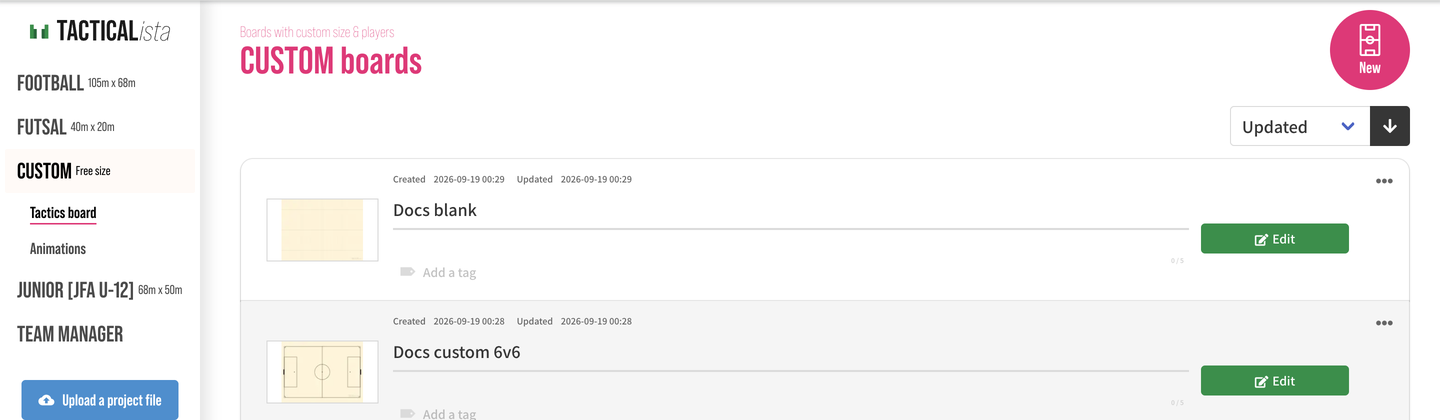
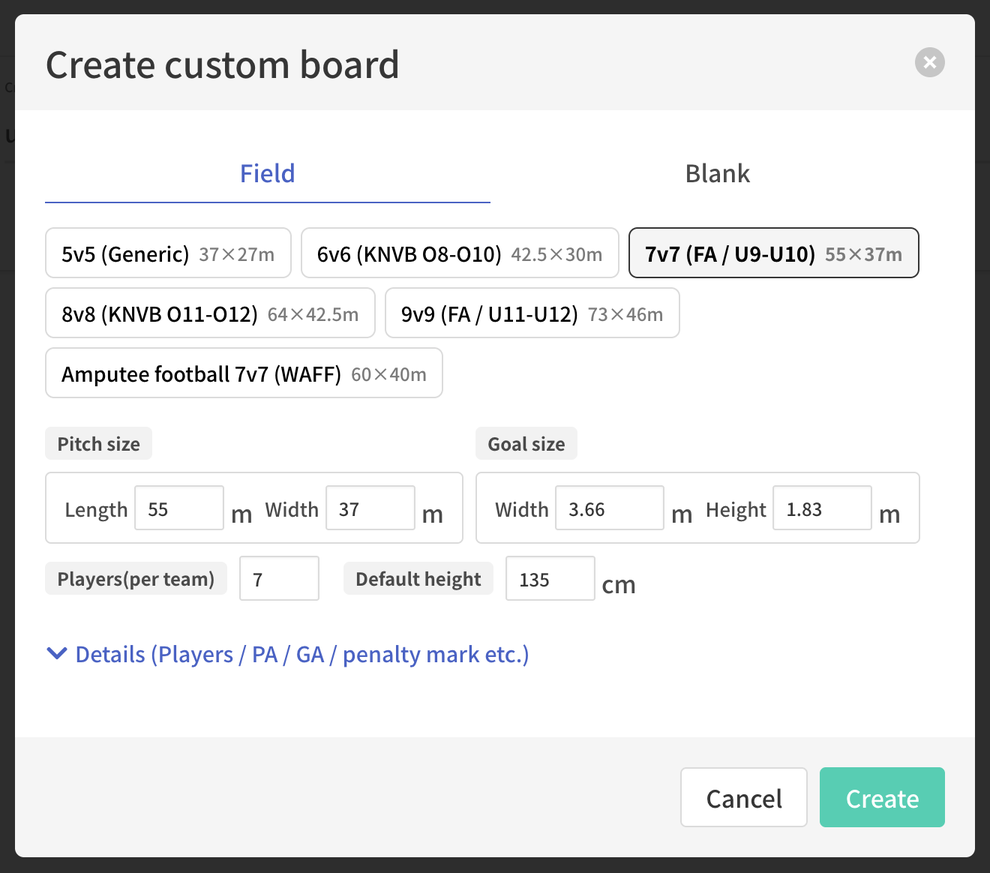
The steps are the same on mobile. Created boards appear in the "CUSTOM" list, and the limits on the number of boards you can create and view are shared with the other board types.
Settings that cannot be changed after creation
The pitch dimensions, goal, player count, and line settings cannot be changed after the board is created (except for the canvas dimensions of a blank board). Check the settings before creating the board.
"Field" tab
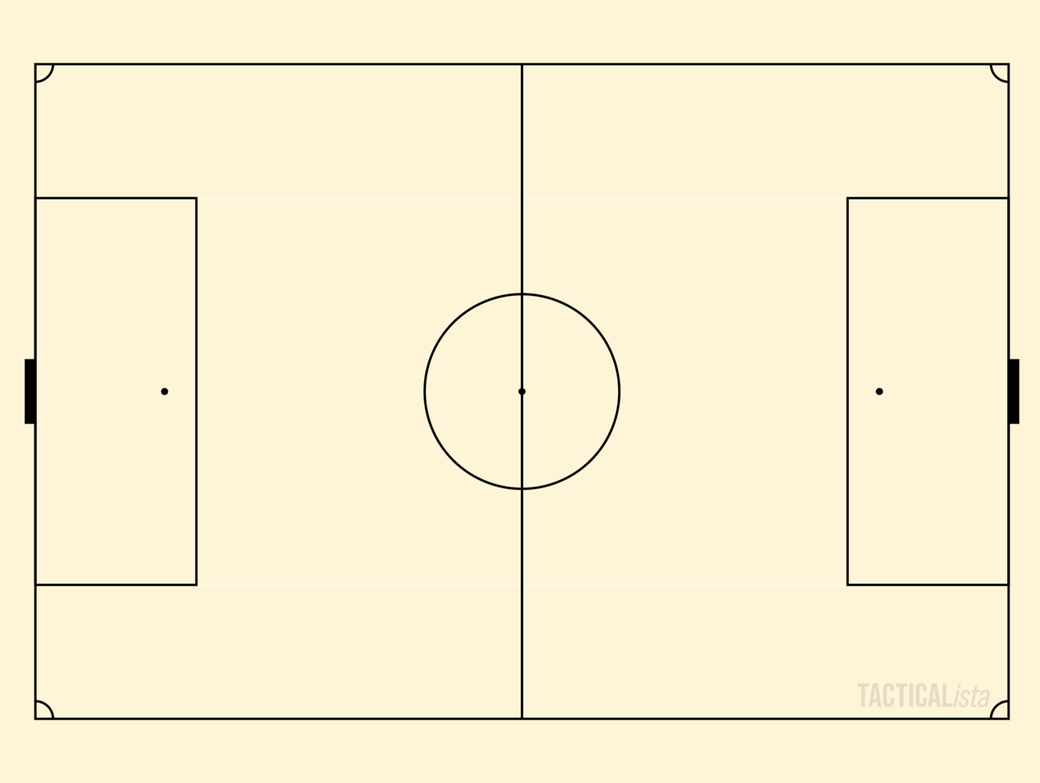
Creates a pitch with lines and goals.
Presets
Choosing a preset from the list fills in the dimensions, goal size, and player count. Player counts include the goalkeeper.
| Preset | Players | Pitch | Goal |
|---|---|---|---|
| 5v5 (Generic) | 5v5 | 37 × 27m | 3.66 × 1.83m |
| 6v6 (KNVB O8-O10) | 6v6 | 42.5 × 30m | 5 × 2m |
| 7v7 (FA / U9-U10) | 7v7 | 55 × 37m | 3.66 × 1.83m |
| 8v8 (KNVB O11-O12) | 8v8 | 64 × 42.5m | 5 × 2m |
| 9v9 (FA / U11-U12) | 9v9 | 73 × 46m | 4.88 × 2.13m |
| Amputee football (WAFF) | 7v7 | 60 × 40m | 5 × 2.2m |
The Japanese 8-a-side format (JFA U-12, 68 × 50m) is available separately as the "JUNIOR" board.
Settings
You can use the preset values as they are, or change them.
- Pitch size: Length and width, from 10 to 150m.
- Goal size: Width (1 to 10m) and height (1 to 4m). The goal width must be smaller than the pitch width.
- Players per team: 2 to 11. The formations available in Batch Formation Placement and when placing players from the Team Manager depend on this number.
- Default height: 120 to 210cm. This is the reference height of the players shown in the 3D view.
- Details (players, PA, GA, penalty mark, etc.): Expand this section to set the goal area (depth, width, visibility), the penalty area (depth, width), the penalty mark distance, the penalty arc visibility, the center circle radius, and the corner arc radius individually. When you change the pitch size or goal size, these values are recalculated automatically and labeled "approx.".
A board cannot be created if the penalty area would extend beyond the pitch. Adjust the pitch size or the line settings. 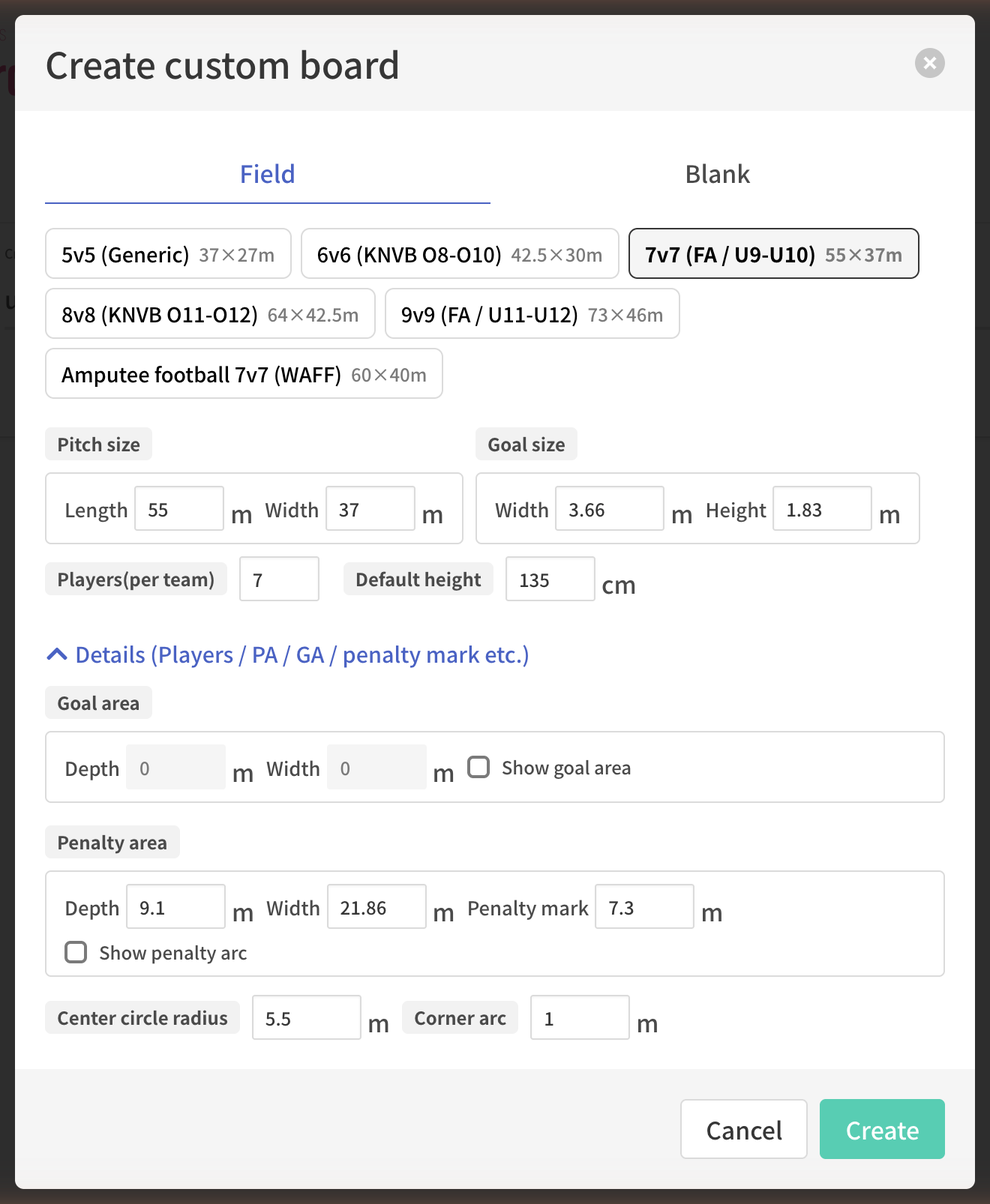
Saving user presets
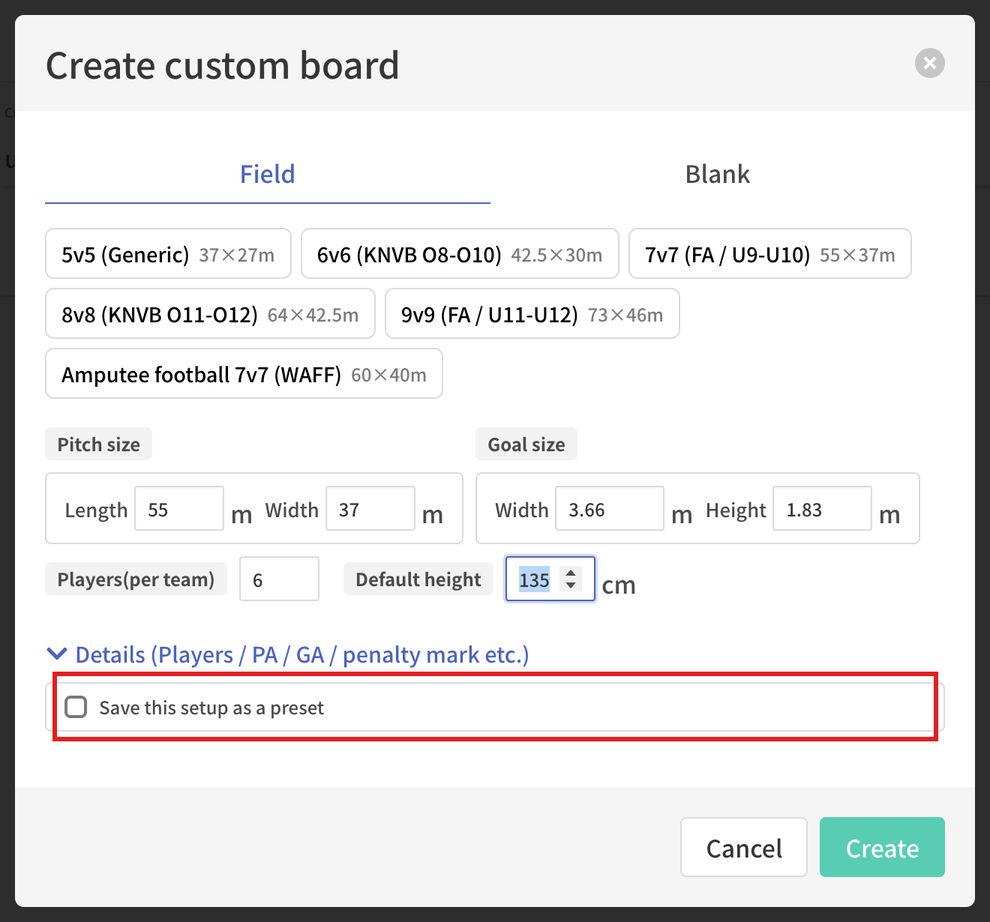
When you change a preset's values, "Save these settings as a preset" appears. Turn it on before creating the board, and the settings will appear in the preset list from then on.
- The preset name is generated automatically in the form "68×50_8p" and can be edited up to 25 characters.
- You can save up to 30 user presets.
- Press the "×" at the top right of a preset in the list to delete it.
- User presets are saved to your account and do not affect boards you have already created.
"Blank" tab
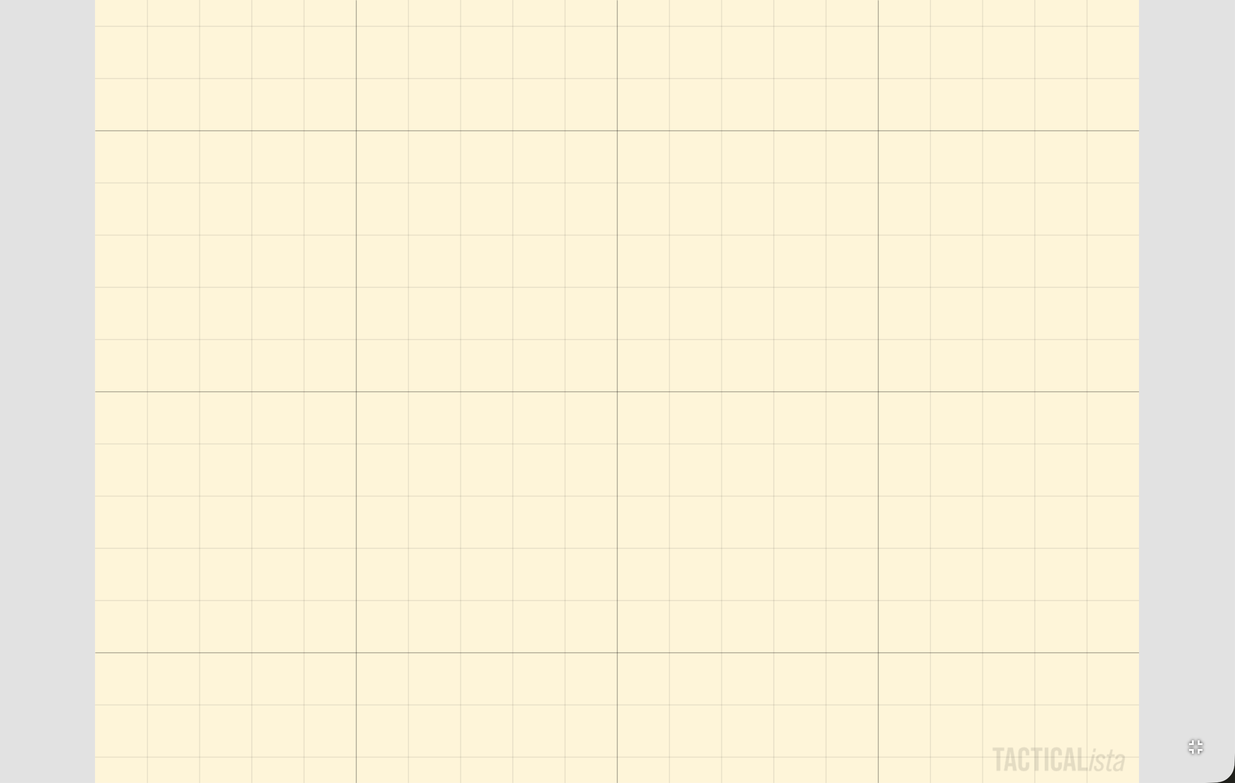
Creates a true-to-scale canvas without lines or goals. It suits training grids and diagrams that use only part of a pitch.
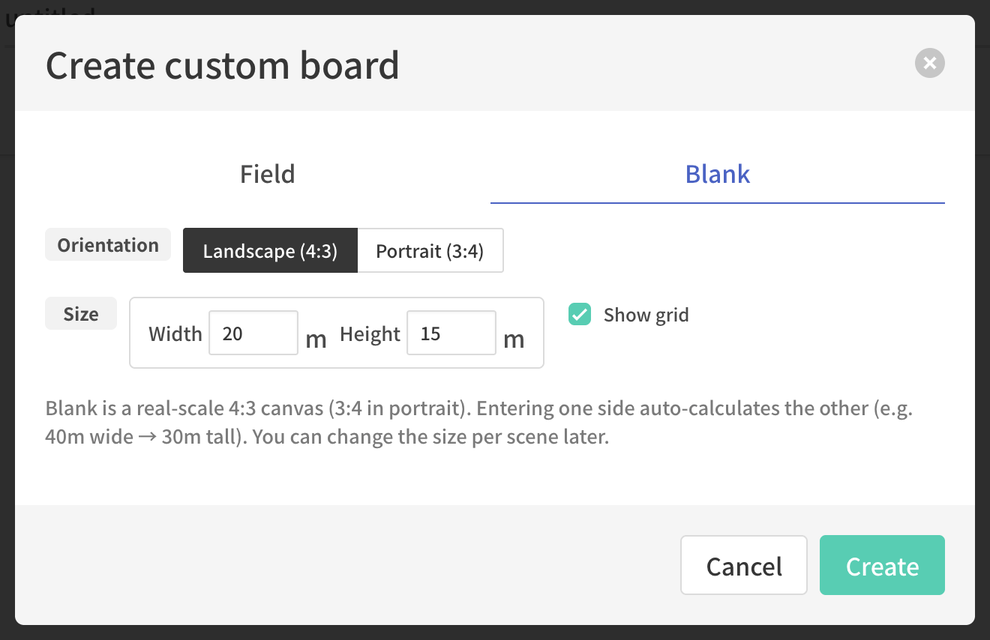
- Orientation: Landscape (4:3) / Portrait (3:4)
- Width / Height: Canvas dimensions from 10 to 150m. When you enter one value, the other is calculated automatically at 4:3 (for example, 40m wide → 30m high). The default is 20 × 15m.
- Show grid: Whether the grid lines are shown right after creation.
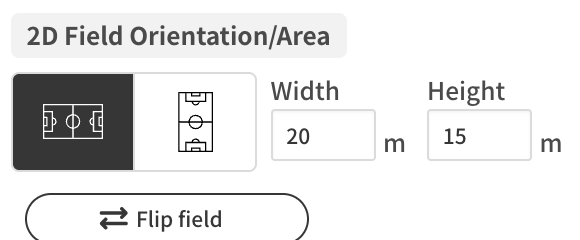
The canvas dimensions of a blank board can be changed per scene later from the Field Settings panel.
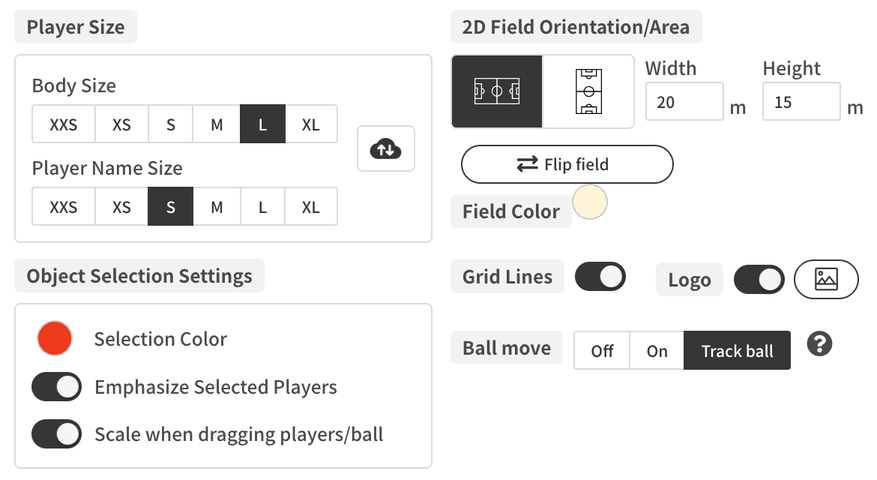
Features available on created boards
| Feature | Field | Blank |
|---|---|---|
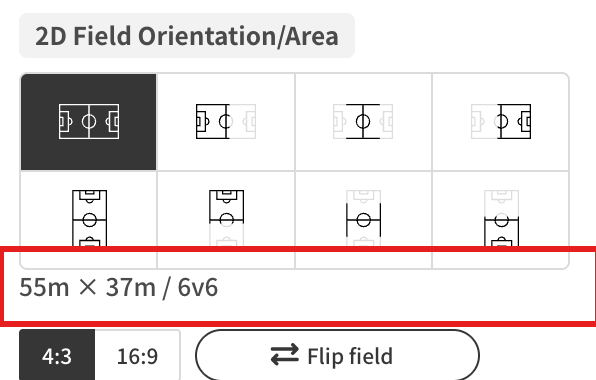
| Orientation and display area | 8 layouts | Landscape and portrait only |
| Aspect ratio | 4:3 / 16:9 | Fixed at 4:3 (3:4 in portrait) |
| Changing dimensions | Not available | Per scene |
| Home / away distinction | Yes | No |
| Batch Formation Placement | Formations for the player count | Not available |
| Importing players from a photo | Available | Not available |
| Importing Match Data | Not available | Not available |
| Voronoi & Delaunay diagrams | Available | Not available |
| Grid lines | 1m intervals inside the playing area | 1m intervals across the whole canvas |
| 3D view | Shown with lines and goals | Flat plane only |
 |
Field colors, grid lines, the logo, and the custom logo are set from Field Settings, the same as on other boards.