
3D View Basics
The 3D view shows the field and the objects placed on the 2D tactics board in three dimensions. The contents of the 2D board are mirrored in 3D, so you can edit in 2D while checking how it looks in 3D. It is available on both static boards and animation boards.
Showing the 3D view
Desktop
Choose a display mode from in the header. 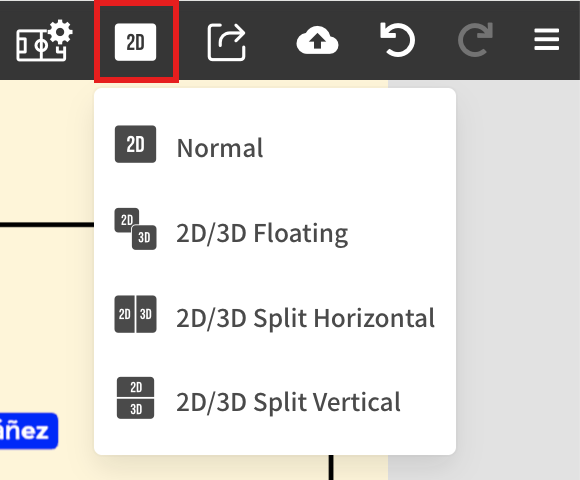
| Display mode | Description |
|---|---|
| Normal | Shows only the 2D board. |
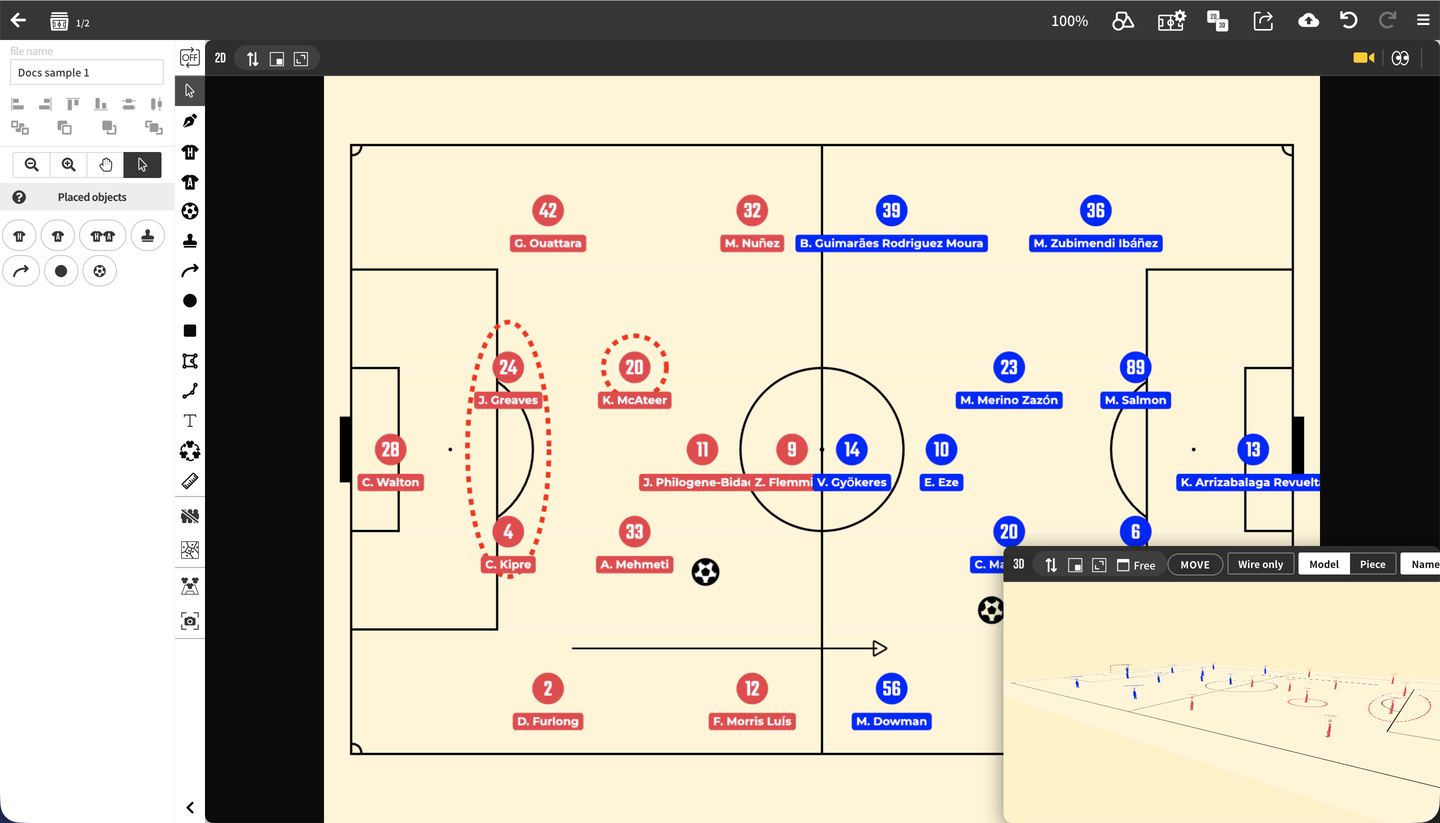
| 2D/3D Floating | Shows the 3D view in a movable, resizable window on top of the 2D board. |
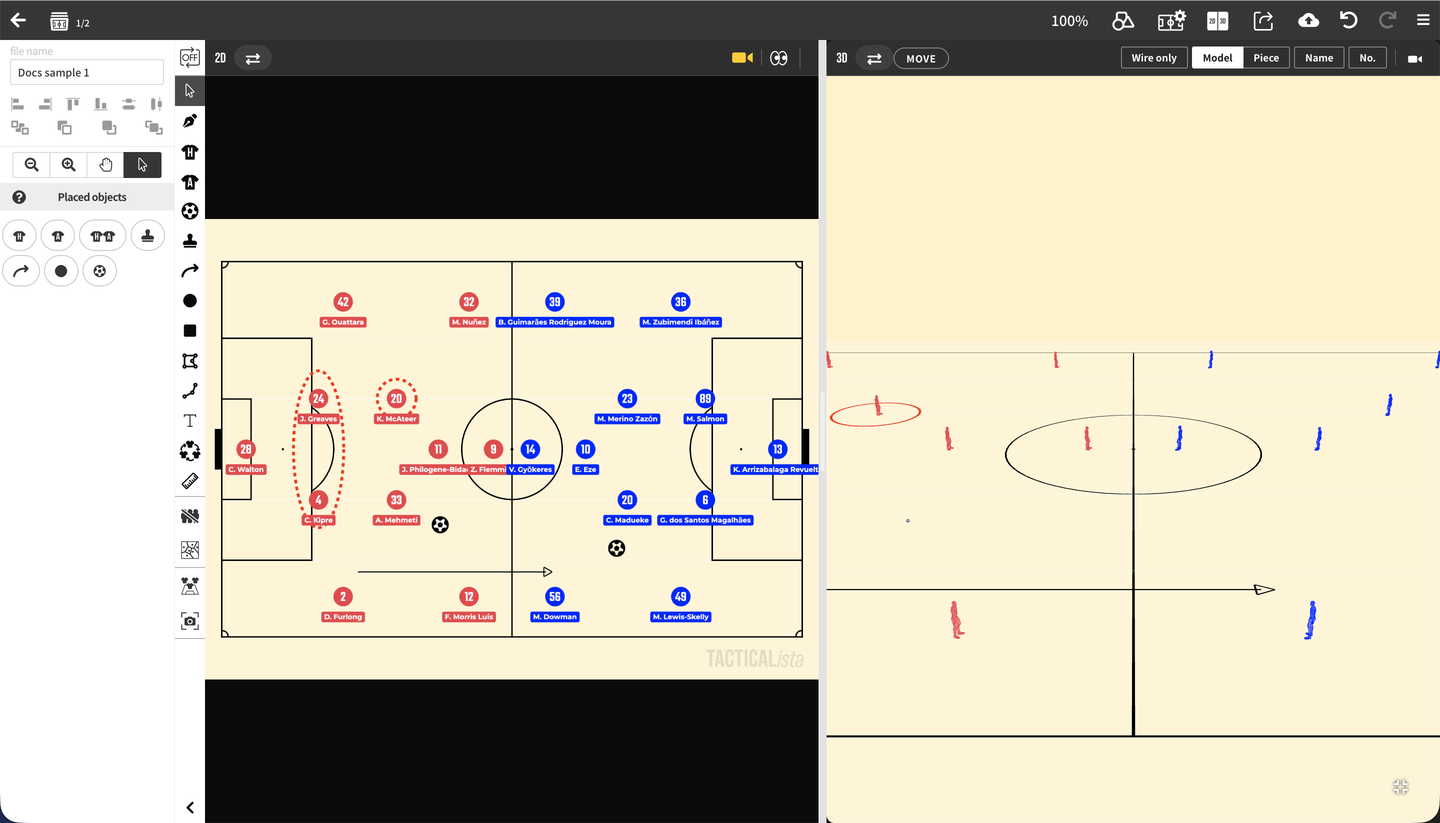
| 2D/3D Split left/right | Splits the screen left and right to show 2D and 3D side by side. |
| 2D/3D Split top/bottom | Splits the screen top and bottom to show 2D and 3D together. |
The first time you open the 3D view, the 3D assets (models and so on) are loaded. "Loading 3D assets…" is shown while loading, and if loading fails you can press "Retry". You can keep editing the 2D board while the assets load. 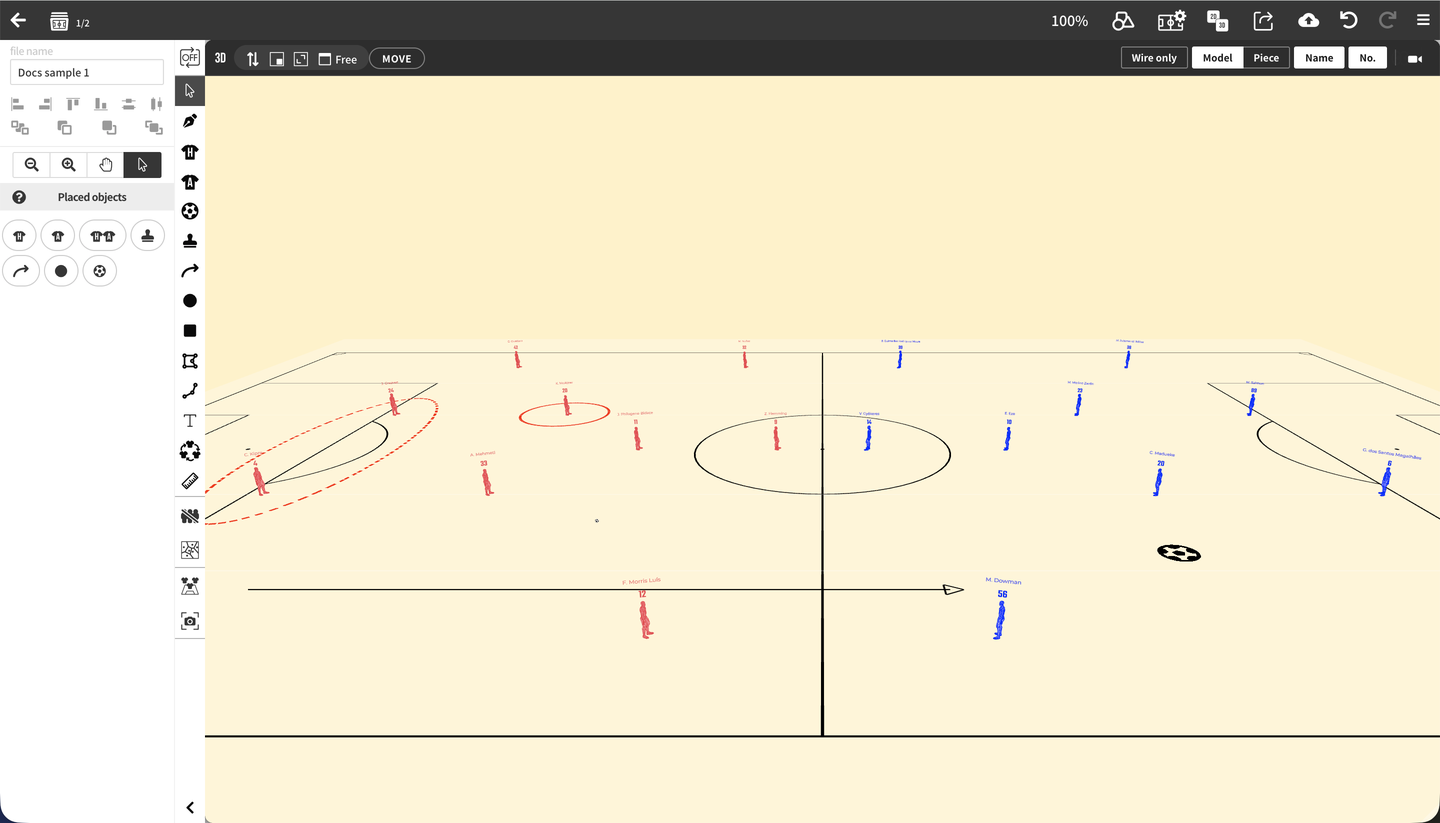
Mobile
Press "3D" in the toolbar at the bottom of the screen to switch to a full-screen 3D view. Press "2D" to return to the 2D board. The camera position of the 3D view is kept when you return to 2D.
Using the floating window
When you first open the floating view, the 3D view fills the field area and the 2D board is shown in a small window at the bottom right. The position and size of the windows are kept the next time you open them.
- Drag the window header to move it, and drag the bottom-right corner to resize it.
- (Swap 2D/3D) swaps the positions of the 2D board and the 3D view, so the 2D board goes into the floating window and the 3D view fills the screen.
- (Maximize window) fits the window to the field area, and (Show window in bottom-right corner) shrinks it to the bottom right.
- Switch the aspect ratio shown next to (Free, 16:9, and so on) to lock the window's aspect ratio.
In split view, drag the divider between 2D and 3D to adjust the ratio. or swaps the two sides. 
3D view display settings
The right side of the 3D view header switches how players are shown. On mobile, these settings are grouped in the menu.


| Setting | Description |
|---|---|
| Piece / Model | Switches players between magnet-style pieces and human-shaped 3D models. → 3D Player |
| Wire only | Shown in model mode. Shows players as wireframes only. |
| Name | Shows or hides player names. |
| Billboard / Print | Shown in piece mode while Name is on. Choose whether names stand up facing the camera (Billboard) or lie flat on the ground (Print). → Piece names and numbers |
| No. | Shows or hides jersey numbers. |
| Opens the camera position panel. → 3D Camera & Viewpoint |
Turn on "MOVE" on the left side of the header to drag players and the ball in the 3D view. When it is off, you can still move them by holding Alt while dragging. → 3D Player
- When the 3D view window is too narrow for the header, the settings from Piece / Model to No. are grouped into the "Display settings" button. Press it to show the settings in a vertical list.
- Piece / Model and Billboard / Print are saved with the board (per scene on static boards, per file on animation boards). Wire only, Name, and No. are saved in your browser and apply to all boards.
The field in 3D
- Field lines, goals, lanes and zones (solid or dashed), and grid lines are shown in the 3D view. Field color changes are reflected too.
- When you change the field orientation or display area in 2D, the 3D view follows.
- On custom boards, the 3D field is built with the pitch dimensions and goal size you set. Blank boards show a flat plane only.
- The logo on the field is not shown in the 3D view.
What you can do in the 3D view
- Rotate, move, and zoom the camera, use camera position presets, and view from a player's eyes → 3D Camera & Viewpoint
- Show players as 3D models or pieces, set poses and heights, and move players in 3D → 3D Player
- Show the ball, markers, lines, shapes, and text in 3D with heights → 3D Ball, Markers & Shapes
- Export images and videos of the 3D view → Exporting the 3D View
- Animate the 3D camera → Camera Animation