
Exporting the 3D View
The 3D view can be exported as a PNG image or as an MP4 / WebM video. The export uses the current camera position and display settings (model or piece, names and numbers, and so on) as they are.
Export menu
Desktop
While the 3D view is shown, the following items are added to in the header.
| Item | Shown when |
|---|---|
| Export a PNG image (3D) | The 3D view is shown. On animation boards, Basic plan only |
| Export an animation (3D) | The 3D view is shown on an animation board |
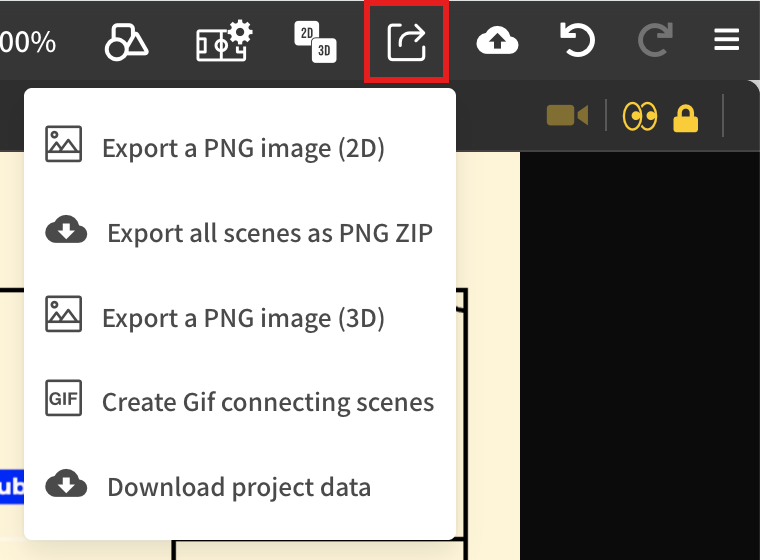
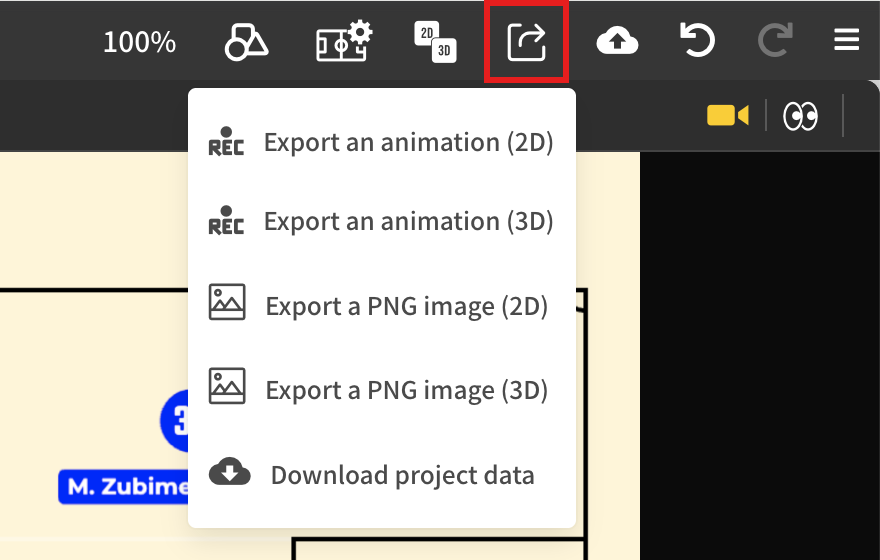
When using the left/right or top/bottom split view, switch to the floating view before exporting.
Mobile
In the menu of the 3D view, "Image" exports an image, and "Video" exports a video on animation boards. Press "Cancel" to stop an export in progress.
Exporting an image
Saves the current look of the 3D view as a PNG image. The file name is "project name_scene number_date.png" (frame number on animation boards). → Export Images & Video
Exporting a video
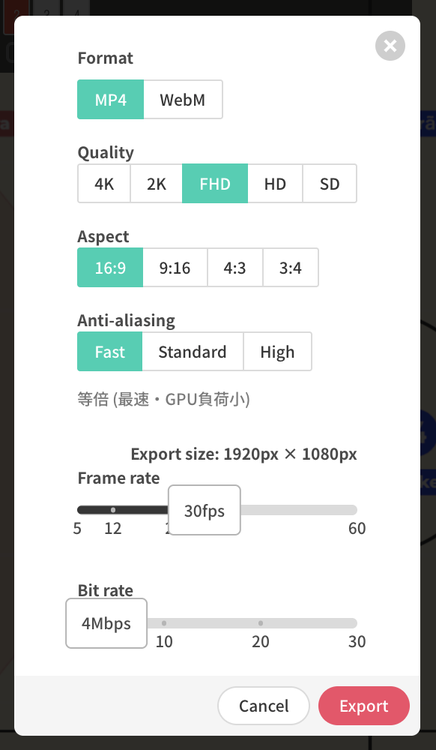
Choose "Export an animation (3D)" to open the export settings.
| Setting | Description |
|---|---|
| Format | MP4 / WebM |
| Quality | 4K / 2K / FHD / HD / SD. Resolutions beyond what the device supports are not shown. 4K is not available on iOS / iPadOS. |
| Aspect | 16:9 / 9:16 / 4:3 / 3:4 |
| Anti-aliasing | Choose the rendering smoothness from three levels. Higher levels take longer to export. |
| Frame rate | Frames per second |
| Bitrate | Video quality (data size) |
 |
Press "Export" to render each frame of the animation one by one and generate the video. Because it does not depend on playback performance, the video has no dropped frames. Progress is shown during the export, and you can cancel it.
If Camera Animation is set, the camera movement is included in the video.
WARNING
- Video export requires a browser that supports video encoding (WebCodecs). MP4 / WebM cannot be exported in browsers without it.
- High-resolution exports use a lot of memory. If an export fails on an iPad or similar device, lower the resolution.
Watermark
On the Starter plan, each project can be exported three times without a watermark. From the fourth export onward, a watermark is added. 3D images and videos count toward the same number as 2D exports. → Export Images & Video
Related pages
- Exporting Animation: exporting 2D video
- 3D Camera & Viewpoint